Sign in to your account
Create your free account
-
- Shopping Cart
-
Nexus
$9.95
-
Nexus
$24.95
-
$34.90
-
USD
- GBP
- USD
- EUR
- JPY
- RUB

Files
Module Overview
- Name:
app-header - Modifiers:
bar,absolute,side[left, right],show-y-scrollbar,dark,brand - Components:
wrapper
Examples
Within this module you will find the following other modules
<header class="app-header" id="app-header">

    <div class="container">

        <div class="app-header_wrapper">

            <!-- Logo -->
            <div class="logo">
                <a href="../../../"><img src="../../../images/logo.png" alt="logo" /></a>
            </div>

            <!-- Navigation -->
            ...

            </div><!-- .app-header_wrapper -->

        </div><!-- .container -->

    </header><!-- .app-header -->

</header>
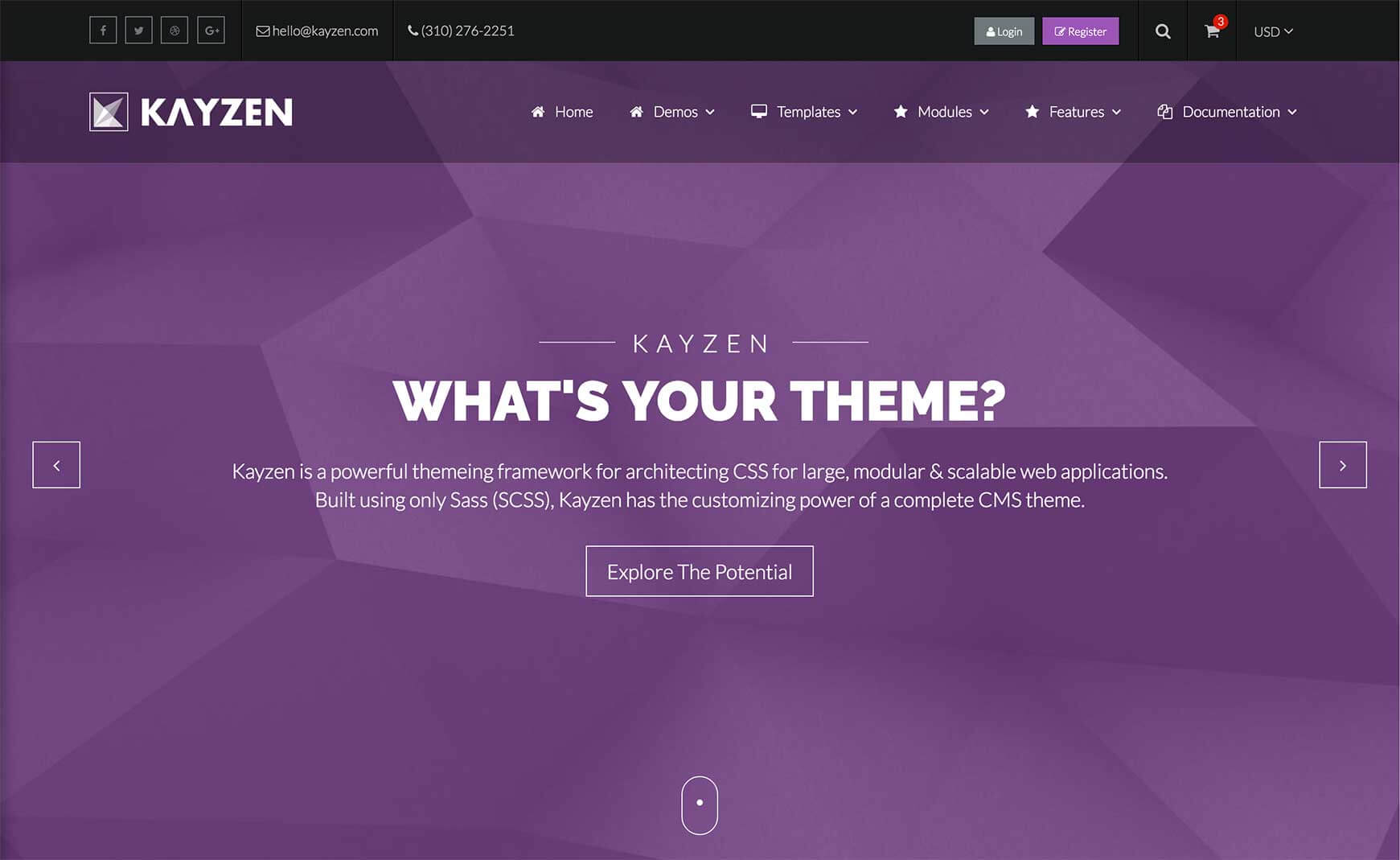
Dark Header Bar
<header class="app-header-dark-bar" id="app-header">
    ...
</header>
Sticky Header Bar
<header class="app-header-sticky-bar" id="app-header">
    ...
</header>
Side Header
<header class="app-header-side-left" id="app-header">
    ...
</header>
<header class="app-header-side-right" id="app-header">
    ...
</header>
Customizing
The Header can be customized using the following options:
| Property Name | Default Value | Description |
|---|---|---|
output-JSON |
true |
This allows the config to be accessed in the JavaScript. |
background |
base('background') |
The main background for the header module |
height |
100px |
The height for the header module. |
font-size |
1em |
The font size for the header module |
z-index |
5 |
The z-index from the header module |
bar |
false |
If true, the module will receive the styles from the bar modifier without having to actually apply it in the markup. |
absolute : enabled |
false |
If true, the module will receive the styles from the absolute modifier without having to actually apply it in the markup. |
absolute : top-position |
0 |
The position the module should be form the top when using the absolute modifier. |
dark : enabled |
false |
If true, the module will receive the styles from the dark modifier without having to actually apply it in the markup. |
dark : background |
color('greyscale', 'grey-6') |
The background for the module when using the dark modifier. |
side : enabled |
false |
This should be left or right to receive the styles from the corresponding side modifier without having to actually apply it in the markup. |
side : width |
350px |
The width of the module when using the side modifier. |
side : container-width |
100% |
The width of the main module container when using the side modifier. |
side : show-y-scrollbar |
false |
If true, the y-scrollbar will always be visible when using the side modifier. |
sticky : enabled |
false |
If true, the header will be sticky without having to apply the sticky modifier in the markup. |
sticky : background |
color('greyscale', 'grey-6') |
The background for the module when using the sticky modifier |
sticky : height |
70px |
The height of the module when using the sticky modifier. |
sticky : logo-height |
28px |
The height of the logo module when using the sticky modifier. |
sticky:font-size |
font-size('size-2') |
The font size for the module when using the sticky modifier. |
To change one of the above values, pass your new value(s) to the header() mixin in your theme file (e.g. assets/themes/Kayzen/_kayzen.scss).
@include header((
    'background'     : transparent,
    'font-size'      : 0.9em,
    'dark'           : (
        'background' : rgba(black, 0.3),
    )
));